sw2robot
SolidWorks assembly → URDF. sw2robot reads the mates of a SolidWorks assembly to work out the link tree and the joint axes, then lets you check and clean up the result in a browser editor and export a ROS 2, MuJoCo or Isaac Sim package.
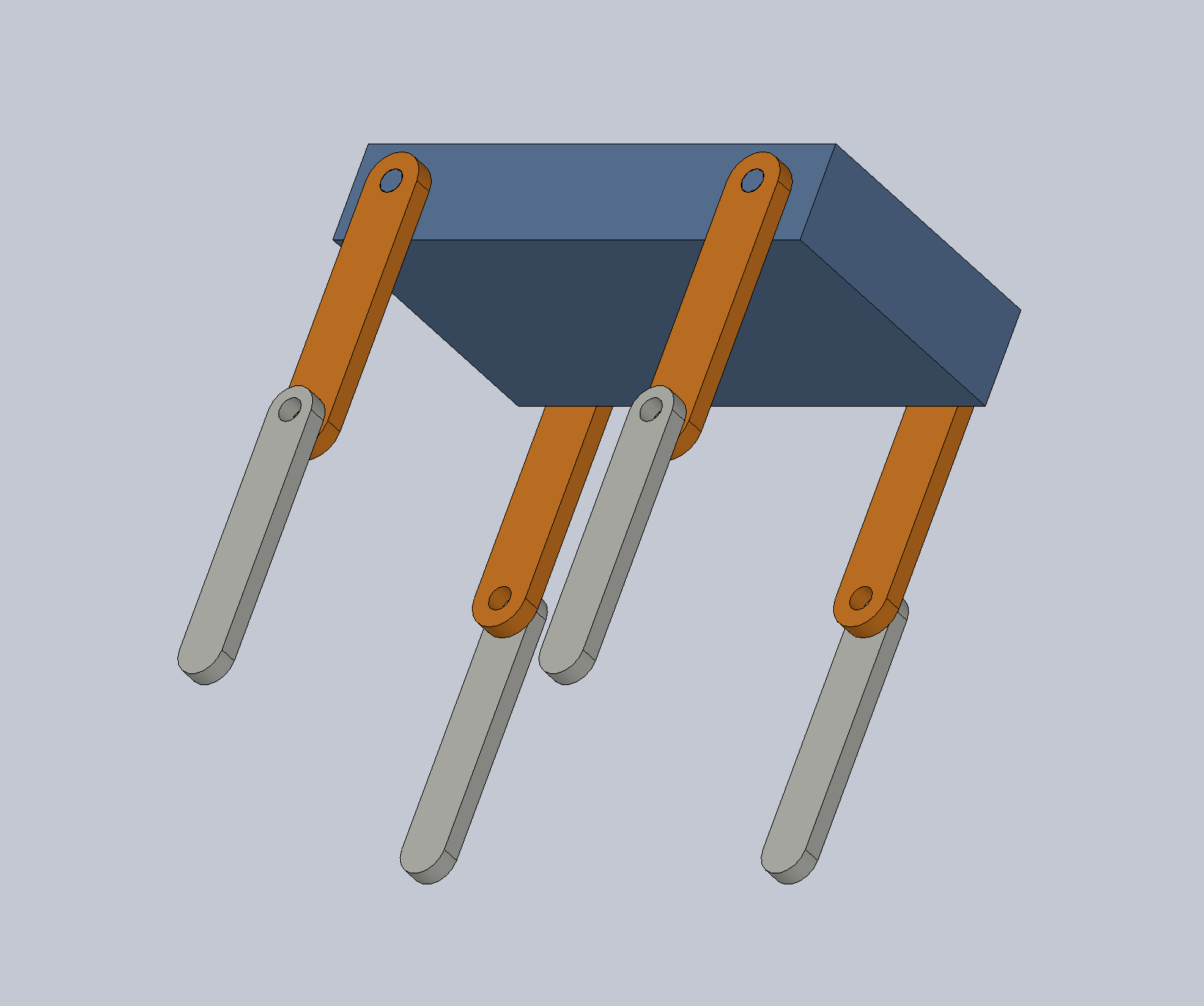
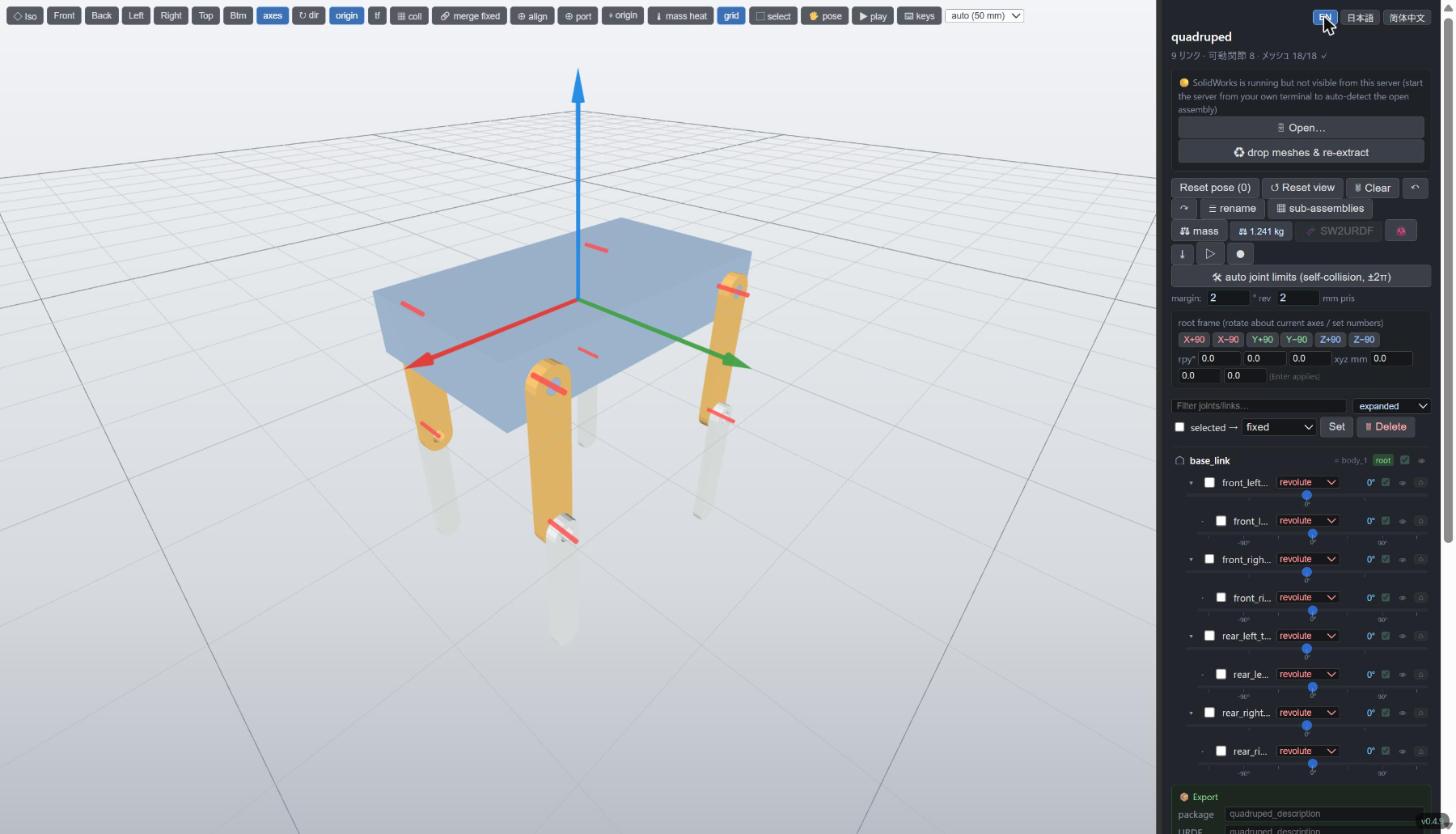
New here? Build a quadruped from scratch → It takes you from three simple parts to a named, limited, 8-joint URDF.
Install in one line
The prebuilt editor needs no Python. It installs as sw2robot-web on your
PATH.
curl -LsSf https://jsk-ros-pkg.github.io/solidworks_urdf_exporter2/install.sh | sh
powershell -ExecutionPolicy ByPass -c "irm https://jsk-ros-pkg.github.io/solidworks_urdf_exporter2/install.ps1 | iex"
Then run sw2robot-web; it opens the editor at http://localhost:8090.
For the command-line tools (sw2urdf, python -m sw2robot.exporter.build):
pip install sw2robot
What needs SolidWorks
Only extract (reading the .SLDASM) needs Windows and SolidWorks,
because it drives SolidWorks over COM. Editing, building and exporting
run on Windows, macOS and Linux.
More
- README: every editor feature and keyboard shortcut, plus the exporters
- Latest release
- Issues